Automation · Review · Updated 16 October 2026
n8n reviewWorkflow automation you can self-host, with AI agents and real code built in
Outstanding
Brent score, out of 5
n8n is the strongest pick for technical teams that want automation and AI agents without per-task pricing. Because one full workflow run counts as one execution, complex workflows cost far less than on step-billed tools. Non-technical users will face a steeper learning curve than Zapier, and dedicated support is reserved for Enterprise.
Price
Free self-hosted; cloud from €20/month (billed annually)
Free option
Free plan
Best for
Developers and IT teams who want to self-host automation
Opens n8n GmbH in a new tab · No card needed to look around · We may earn a commission
Disclosure: we may earn a commission if you buy through our links, at no extra cost to you. It never affects our ratings. How we make money
Best for
- Developers and IT teams who want to self-host automation
- Businesses building AI agents and RAG workflows on their own data
- Teams whose multi-step workflows get expensive on per-task tools
- Agencies that need JavaScript or Python inside workflows
Skip it if
- Non-technical users who want the simplest possible setup
- Teams that need guaranteed support SLAs on a small budget
- Anyone who never wants to think about servers, logs or executions
You have the same copy-paste jobs every week: new leads into the CRM, invoices into a folder, form replies into Slack. You tried Zapier or Make, it worked, and then the bill grew with every extra step you added. Or you want an AI agent that reads your own data, and you are not comfortable sending everything through a closed tool.
n8n is built for exactly that point. It is a visual workflow builder you can run on n8n's cloud or on your own server, and it charges by full workflow runs rather than by each step. It also lets you drop into code when a no-code block is not enough, and it has AI agent nodes built in.
This review looks at what the plans actually include in 2026, where the limits bite, and who should pick something simpler instead.
What is n8n?
n8n is a node-based workflow automation platform from n8n GmbH in Berlin. You connect triggers (a webhook, a schedule, a new email) to actions across 500+ apps on a visual canvas, and you can add JavaScript or Python code, branching logic and AI agent steps anywhere in the flow. It is published under a fair-code license: you can self-host the Community Edition with Docker, including on-prem and air-gapped setups, or pay for n8n Cloud, which stores hosted data in Frankfurt, Germany.
Pros and cons
What we like
- One workflow run counts as one execution, no matter how many steps it has
- Every plan includes unlimited users, workflows and all integrations
- Self-hosted Community Edition is free, with full source on GitHub
- 500+ integrations plus MCP and custom HTTP connections
- JavaScript or Python code nodes anywhere in a workflow
- AI agent tooling with human-in-the-loop approvals and evaluations
What could be better
- Starter cloud plan is capped at 2,500 executions and 5-minute runs
- Big price jump from Pro (€50/month) to Business (€667/month)
- Dedicated support with an SLA is Enterprise only; other plans rely on the forum
- Self-hosting means you own updates, backups and security
Overall
Outstanding
- Features4.8
- Ease of use3.9
- Value4.7
- Support4.0
Key features of n8n
Execution-based pricing
A single run of an entire workflow counts as one execution, however many steps it contains. That makes long, multi-step workflows much cheaper than on tools that bill per task or per operation.
AI agents and RAG
n8n supports multi-agent setups, RAG systems and structured inputs and outputs for AI steps. You can swap between cloud and offline models without rebuilding the workflow, and inspect every prompt and response in the execution log.
Human-in-the-loop controls
Approvals and rule-based controls let a person check an AI action before it runs. Native evaluations let you test AI workflows against real data before they go live.
Code when you need it
Code nodes accept JavaScript or Python anywhere in a workflow. Self-hosted instances can also run custom nodes and bash scripts, which the cloud plans do not allow.
Self-hosting
The full source code is on GitHub and the Community Edition runs with Docker. You keep data on your own infrastructure, which matters for privacy, compliance or air-gapped networks.
Templates and community
n8n lists more than 10,000 workflow templates and a community of 200k+ members. The project has over 200k GitHub stars, so answers to common problems are easy to find.
n8n pricing
Checked 2026-10. Prices can change; confirm on n8n GmbH’s site.
Community (self-hosted)
Free
you pay for your own server
- Full source on GitHub
- Custom nodes and bash scripts
- Self-hosted AI Assistant with your own API key (preview)
Starter
€20/month
billed annually
- 2,500 executions/month
- 5 concurrent executions
- Unlimited users and workflows
- 7-day log retention
Pro
€50/month
billed annually
- 10,000 executions/month
- 3 shared projects and admin roles
- 30-day log retention
- 40-minute max execution time
Business
€667/month
billed annually
- 40,000 executions/month
- SSO, LDAP and Git version control
- Queue mode and multiple environments
- Self-hosted (cloud version on waitlist)
Enterprise
Check current pricing
contact sales
- Custom executions, 200+ concurrent
- External secret store and log streaming
- Dedicated support with SLA
Watch out: Prices are in euros and shown for annual billing (n8n says annual saves 17%); if you exceed your execution quota, workflows keep running but overages can be invoiced 45 days later.
See current n8n pricing →What people use n8n for
Lead routing for a small agency
A web form triggers a workflow that enriches the lead, adds it to the CRM, posts a summary in Slack and books a follow-up task. Even with ten steps, each lead costs one execution.
An internal AI helpdesk
An AI agent answers staff questions from your own documents using a RAG setup, and hands anything sensitive to a person for approval. Self-hosting keeps the documents on your own server.
IT and ops automation
Scheduled workflows check backups, poll APIs and open tickets when something fails. Code nodes handle the odd data format that no pre-built integration covers.
How to get started with n8n
- 1
Start a free n8n Cloud trial (no credit card needed for Starter or Pro), or install the Community Edition with Docker
- 2
Pick a template close to your use case from the template library
- 3
Connect your app credentials and run the workflow once manually to check each step
- 4
Turn the workflow on and watch the first executions in the log
- 5
Add an AI agent node or a code node once the basic flow is stable
n8n alternatives
| Product | Choose it when |
|---|---|
| n8n 4.6 | Developers and IT teams who want to self-host automation |
| Zapier | Choose Zapier if your team is non-technical and wants the simplest setup, and you can accept per-task pricing. |
| Make | Choose Make if you want a visual builder with a gentler curve and do not need self-hosting. |
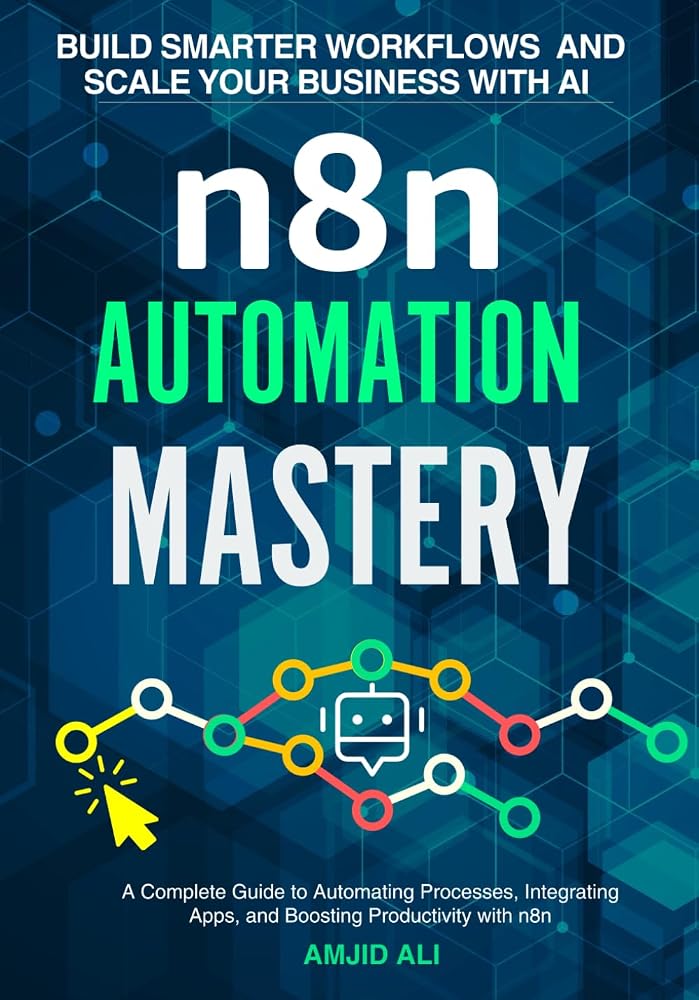
| n8n Automation Mastery4.2 | Pick up this book alongside n8n if you want a structured, step-by-step path to building real workflows. |
n8n: frequently asked questions
Is n8n free?+
The self-hosted Community Edition is free to use; you only pay for the server it runs on. n8n Cloud is paid, starting at €20/month billed annually, with a free trial that needs no credit card.
How does n8n count executions?+
One run of a whole workflow is one execution, regardless of how many steps it has. Hitting the saved-execution limit does not stop workflows; it only limits how much history is kept.
What happens if I go over my execution limit?+
n8n says workflows keep running. If you do not upgrade, overages may be billed and are invoiced 45 days after they occur.
Is n8n better than Zapier?+
For technical teams and multi-step workflows, n8n is usually cheaper because it bills per workflow run, and it can be self-hosted. Zapier is easier for non-technical users. The right choice depends on who builds and maintains the workflows.
Where is n8n Cloud data stored?+
n8n states that hosted data is stored in Frankfurt, Germany, in the EU. If you need data elsewhere, self-hosting lets you choose the location.
Can I cancel n8n anytime?+
Monthly plans can be canceled anytime and end at the close of the billing cycle. Annual plans run to the end of the term, and n8n does not give pro-rata refunds.
Final verdict
Is n8n worth it?
If your automations have outgrown simple two-step zaps, or you want AI agents that run on your own terms, n8n is worth an afternoon. Start the free cloud trial, import a template, and you can have your first multi-step workflow running before you commit a cent, with the option to self-host later.
Try n8n freeAffiliate link · we may earn a commission at no extra cost to you.
Reviewed by
Amjid Ali, Founder and editor
Amjid Ali is a Melbourne-based AI and automation lead, author of five books on infrastructure, automation and digital transformation, and a corporate trainer whose courses on n8n, Proxmox, firewalls and ERP have taught thousands of IT professionals.
Last updated 16 October 2026 · How we review
You might also like
Automation
Zapier review
No-code automation across 9,000+ apps, with AI agents, Tables and Forms included
Automation
Intellistack (Formstack) review
Formstack forms, documents and eSignatures, now part of Intellistack
Books
n8n Automation Mastery review
Learn n8n from first workflow to AI automations, self-hosting and production deployment
n8n 4.6
Free self-hosted; cloud from €20/month (billed annually)